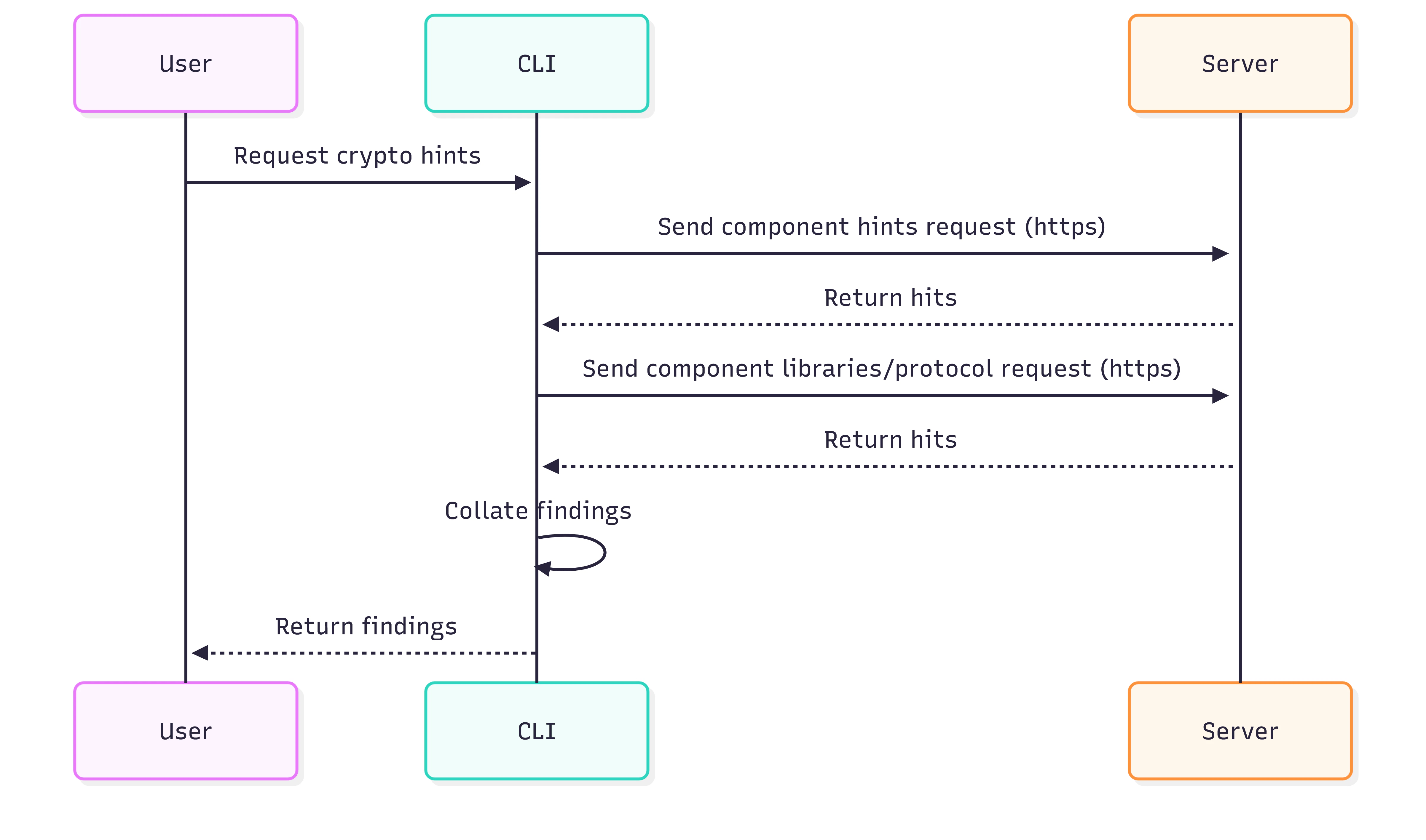
{
  "components": [
    {
      "purl": "pkg:github/scanoss/scanoss.py",
      "version": "v1.41.0",
      "requirement": ">v1.3.5",
      "hints": [
        {
          "id": "library/openssl",
          "name": "OpenSSL",
          "description": "A robust, full-featured open-source toolkit implementing the Secure Sockets Layer (SSL) and Transport Layer Security (TLS) protocols.",
          "category": "library",
          "url": "https://www.openssl.org/docs/",
          "purl": "pkg:github/openssl/openssl"
        },
        {
          "id": "package/pycryptodome",
          "name": "PyCryptodome",
          "description": "A self-contained Python package of low-level cryptographic primitives.",
          "category": "package",
          "url": "https://pycryptodome.readthedocs.io/en/latest/",
          "purl": "pkg:github/Legrandin/pycryptodome"
        },
        {
          "id": "protocol/tls",
          "name": "TLS",
          "description": "TLS (Transport Layer Security) is a cryptographic protocol designed to provide secure communication over computer networks.",
          "category": "protocol"
        },
        {
          "id": "protocol/https",
          "name": "HTTPS",
          "description": "HTTPS (Hypertext Transfer Protocol Secure) is a protocol for secure communication over a computer network",
          "category": "library"
        },
        {
          "id": "protocol/OAuth",
          "name": "Open Authorization",
          "description": "N/A",
          "category": "protocol"
        }
      ]
    }
  ],
  "status": {
    "status": "SUCCESS",
    "message": "Encryption's hints retrieved successfully."
  }
}